Your Sound Operator Needs a Track Cue Sheet Before Tech
By Broadwaytrax Content Studio · June 3, 2026
Updated June 3, 2026
Tech week gets easier when the sound operator is not guessing.
A good backing track can give a production steady tempos, clear entrances, and a consistent sound from rehearsal to performance. But the track still has to be run by a person. If that person receives a folder of files with no cue sheet, every transition becomes a question at the exact moment the room needs certainty.
A cue sheet does not have to be complicated. It needs to tell the sound operator which file to play, when it starts, when it stops, what version is approved, and what should happen if something changes onstage.
Start with the final file list
Before you write cues, decide which files are actually in the show.
For each number, list:
- the song or scene name,
- accompaniment-only or guide vocal,
- key,
- full version or cut,
- file name,
- version date,
- and where the file lives on the playback device.
This matters most when the cast has rehearsed with earlier versions. A file named Opening-final.mp3 can still be wrong if a newer cut exists in another folder. Use one approved performance folder and keep older rehearsal versions somewhere separate.
Give every track a job
The operator should know why each track exists before the first run.
Some files support a full production number. Others are transition music, dance breaks, vamps, bows, curtain call music, rehearsal-only guide vocals, or emergency backups. Label those jobs plainly.
A useful cue-sheet line might include:
Act 1 Scene 3 - Belle reprise - performance cut - start after line "Good morning" - fade under dialogue at measure 42Dance break backup - same tempo as rehearsal file - use only if live piano is unavailableBows - start on stage manager cue - let play through applause unless called to fade
The point is not to make the sheet look formal. The point is to remove guessing.
Mark starts, stops, fades, and holds
Most track problems happen around the edges of a cue.
A clean cue sheet answers four questions:
- Who gives the start cue?
- Does the track begin immediately or after a count-in, pickup, vamp, or spoken line?
- Does it stop cold, fade, or continue under action?
- What happens if the stage action takes longer than expected?
If a song needs flexibility, say so. A vamp, button, or short extension can be built into the track, but the operator still needs to know how that moment is supposed to feel in the room.
Separate rehearsal files from performance files
Guide vocals are useful during learning. They are not always the file you want in performance.
Keep rehearsal materials clearly marked:
guide vocal,practice only,old key,old cut,- or
do not use for show.
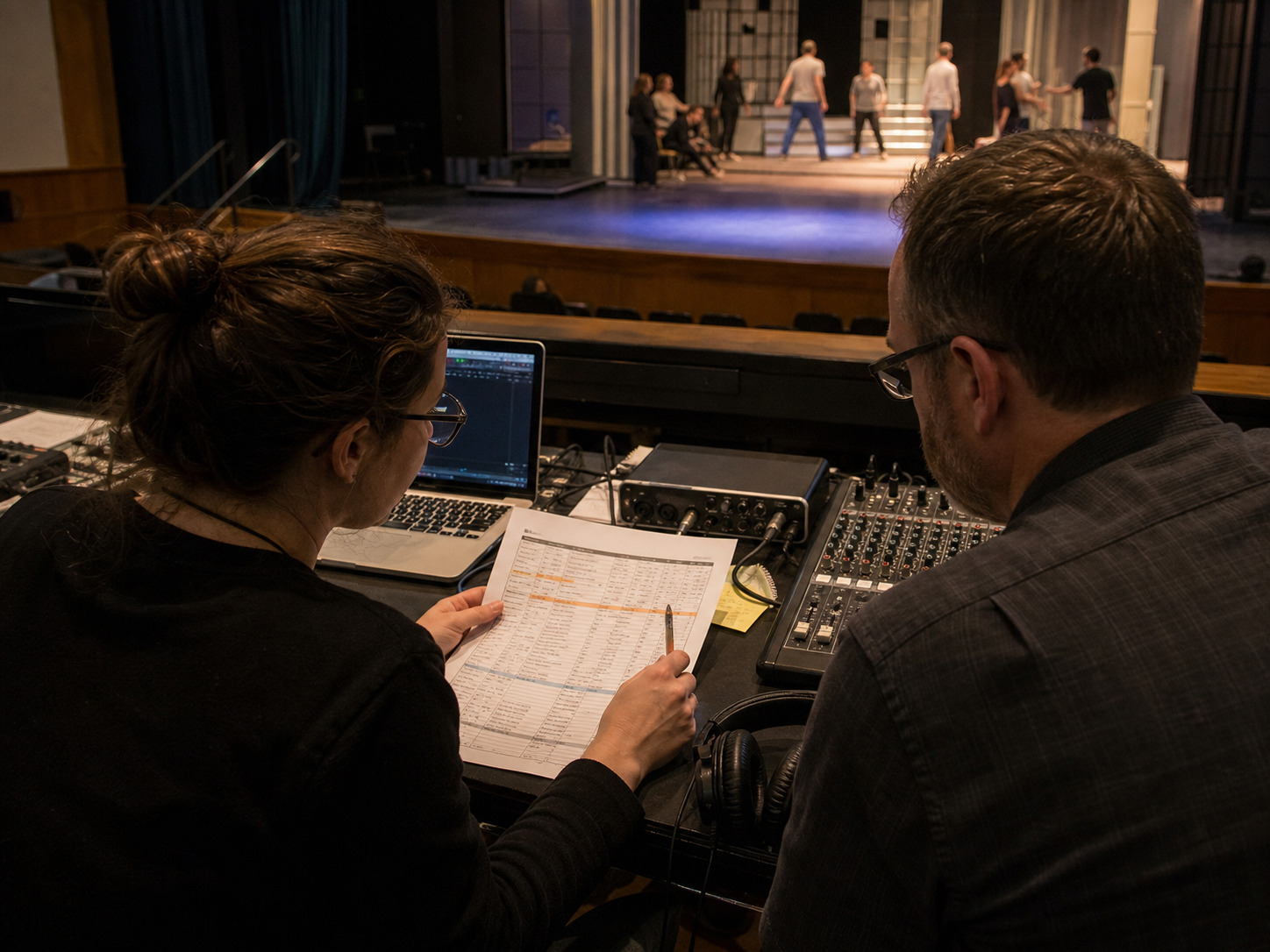
This protects the production from the classic tech-week mistake: the right song title with the wrong audio file. If students, choreographers, teachers, and sound operators all receive different folders, the cue sheet should identify which folder is authoritative.
Build one simple sound-check routine
Run the cue sheet before you run the show.
At sound check, confirm:
- every listed file opens,
- volume is close before the cast enters,
- intros are long enough for singers to breathe and move,
- fades do not cover dialogue,
- endings land cleanly,
- backup files are available offline,
- and the operator can find the next cue without searching.
Do this with the actual playback laptop, interface, mixer, speakers, and operator. A track that sounds fine in headphones can feel different in a cafeteria, auditorium, black box, church hall, or outdoor performance space.
When custom edits solve cue-sheet problems
Sometimes the cue sheet reveals a track problem instead of a paperwork problem.
Custom work may help when a production needs:
- a longer lead-in before a difficult entrance,
- a cut that matches the licensed script and rehearsal plan,
- a tempo adjustment for choreography,
- a cleaner ending after applause or dialogue,
- a vamp for a scene change,
- a lower or higher key for a current singer,
- or a full-show package with consistent cue naming and mix levels.
The best custom edit is practical. It makes the file match the production the cast is actually rehearsing.
FAQ: backing track cue sheets
What should be on a musical theater backing track cue sheet?
Include cue number, scene or song name, file name, track type, key, version date, start cue, stop or fade instruction, backup location, and any notes the stage manager or sound operator needs.
Should guide vocals be listed on the performance cue sheet?
Only if they are used in the performance. Otherwise, keep guide vocal files in a rehearsal folder and mark them clearly so they are not played by mistake.
When should the sound operator receive the final tracks?
As early as possible before tech. The operator should have time to test files, build playlists, check volume, and confirm the cue sheet before the cast is waiting onstage.
Can custom backing tracks include lead-ins, vamps, and cuts?
Yes, when the production needs them. Custom keys, cuts, tempos, lead-ins, endings, and cue edits are often the difference between a track that is close and a file that fits the show.
Need tracks that match your cue sheet? Broadwaytrax can customize keys, cuts, tempos, lead-ins, vamps, endings, and full-show packages so the files your operator runs are the files your cast rehearsed.
Start a Custom Track ProjectThe takeaway
A cue sheet is a rehearsal tool, not just a tech document. It keeps the music director, stage manager, sound operator, and cast working from the same version of the show. Build it early, keep the labels boring, and test the actual files before tech week turns small questions into big delays.