A Rush Track Request Needs Fewer Open Questions, Not Fewer Checks
By Broadwaytrax Content Studio · September 8, 2026
Updated September 8, 2026
The short answer: a rush custom backing-track request moves fastest when the production has already settled the musical job, the exact edit, one approval contact, and the rehearsal moment that will test the result.
Urgency does not make those decisions disappear. It makes every open question more expensive. A singer who needs a lower key, a choreographer who needs eight more counts, and a stage manager who needs a clearer entrance may all be describing the same track, but they are not describing the same change.
Before you ask anyone to work quickly, give them one approved version of the problem.
What makes a musical-theater track request a rush?
A request is not a rush simply because opening night is on the calendar. It becomes a rush when the remaining delivery, approval, loading, and rehearsal time is shorter than the production needs for a normal review cycle.
That can happen before an audition, a school performance, a community-theater opening, or a replacement rehearsal. The useful question is not “How fast can we get a file?” It is “How much verified work must happen before this file can safely enter the room?”
A rush plan should account for:
- the edit or new arrangement itself;
- the person who will approve it;
- the time needed to load it into the playback system;
- the rehearsal that will test the exact cue;
- and the backup copy that will follow the final version.
If the team only budgets time for delivery, the file may arrive before anyone is ready to use it.
Freeze the job before you describe the edit
Start by naming what the track must do.
Is it a 60-second audition cut? A rehearsal version with a clear count-in? A performance file that begins on a visual cue? A scene-change vamp? One replacement number inside a larger show folder?
That context matters because the same musical change can need different exports. A singer may want a guide vocal for personal practice and an accompaniment-only file for the audition room. A cast may need a rehearsal version with a counted lead-in, while the performance version begins after a spoken cue.
Write one sentence that defines the job:
We need an accompaniment-only performance track for the Saturday show, lowered one whole step, with the approved cut and a two-bar lead-in for a stage-right entrance.
That sentence does not solve every production detail. It gives every detail one purpose.
Separate confirmed facts from open choices
Rush work stalls when a note makes guesses look like decisions.
Use three labels in the request:
| Status | What belongs here | Example |
|---|---|---|
| Confirmed | Decisions already approved by the production | Final key is F major |
| Reference | Material that identifies the current version | Catalog track, score page, timestamp, rehearsal recording |
| Open | A choice the producer needs the team to settle | Button or ring on the final chord |
Do not hide an open choice inside a long paragraph. If the director has not approved the ending, say so. Then decide whether the request can wait for that answer or whether the current ending must remain.
The fastest useful request is not the one with the fewest words. It is the one with the fewest contradictions.
Build one source packet
Put the current materials in one clearly labeled packet. Depending on the project and the materials you are permitted to use, that may include:
- the current accompaniment track or Broadwaytrax catalog reference;
- the approved score pages or musical landmarks;
- exact timestamps for cuts, repeats, starts, and endings;
- the requested key and current key;
- tempo notes tied to a specific section;
- the cue line, visual action, or count that starts the music;
- and the required rehearsal and performance versions.
Use filenames that tell the truth. M07_Final_UseThis_NEW.mp3 does not tell an editor which key, cut, or approval it contains. A label such as M07_SceneChange_FMajor_CutB_reference is easier to discuss without opening five files.
If a later message changes the request, identify what it replaces. Do not leave two competing instruction sets active.
Give every rush change a musical landmark
Measure numbers are useful when everyone is working from the same score. They are not the only way to locate an edit.
A good landmark can also be:
- the first lyric after the cut;
- the chord before the dance break;
- the timestamp in the supplied reference;
- the spoken cue before the entrance;
- or the last note that should ring before a blackout.
Pair the landmark with the desired result. “Cut at 1:42” is less complete than “At 1:42, remove the second chorus and connect the held chord directly to the final verse without changing the established tempo.”
The goal is to let someone outside the rehearsal room hear the same problem the cast is experiencing.
Choose one person who can approve the file
A rush schedule cannot support three independent approval paths.
Name one person who will collect notes from the director, music director, choreographer, stage manager, and sound operator. That person should return one consolidated response: approved, or a precise revision list.
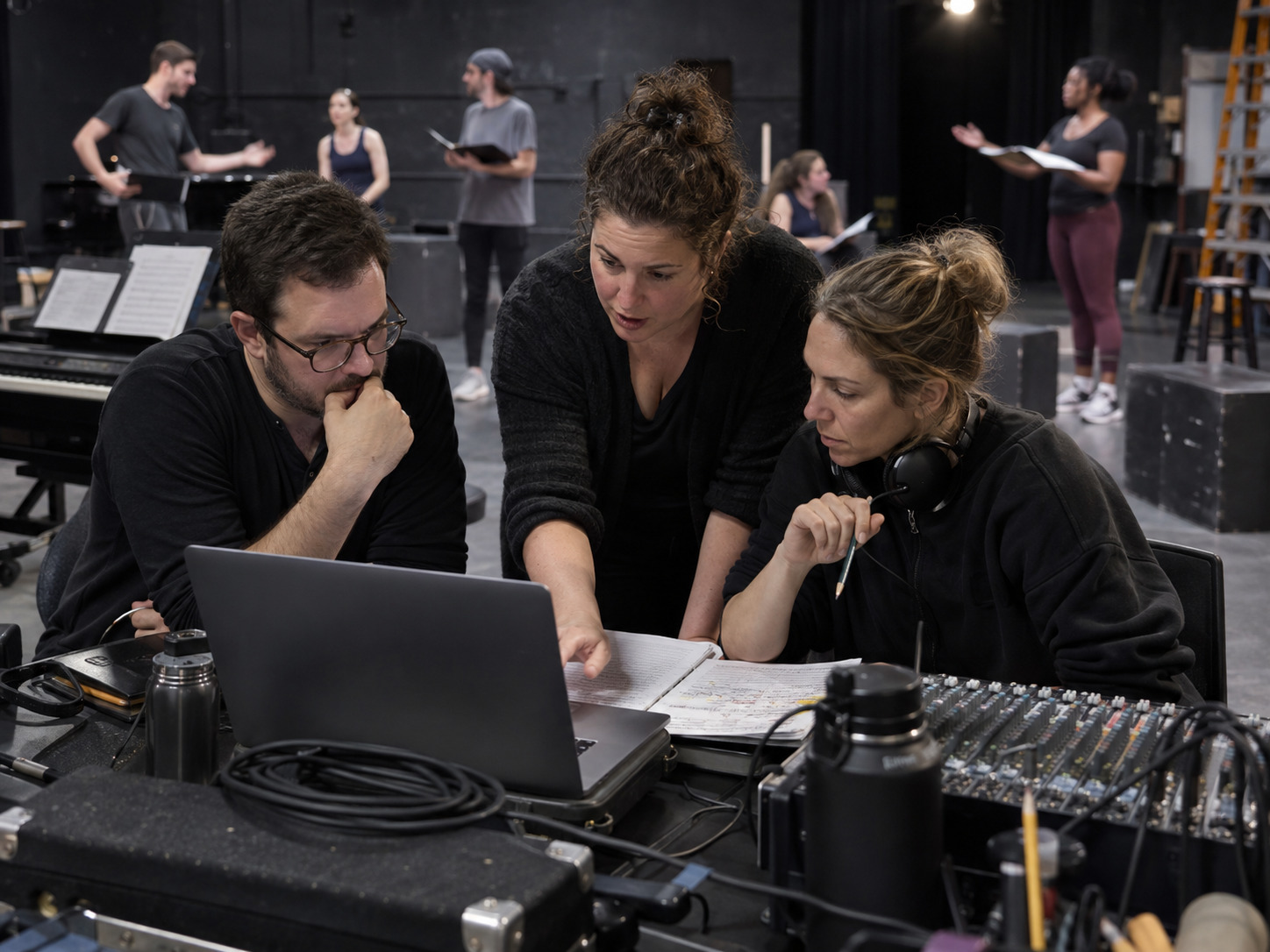
Before the request is sent, agree on:
- who has final musical approval;
- who may submit revision notes;
- how quickly the team can listen;
- which rehearsal will test the file;
- and what happens if a new creative preference appears after approval.
This does not silence collaborators. It keeps the producer from receiving five different versions of the same decision.
Protect the verification rehearsal
A delivered track is not yet a proven performance track.
Listen to the file once away from rehearsal. Confirm the title, version, key, duration, start, cut, tempo change, cue, and ending. Then test it in the exact condition that caused the request.
If the change was made for choreography, run the choreography. If it was made for a vocal range problem, have the singer perform the complete phrase after realistic movement. If it was made for a transition, run the scene before it and the scene after it. If it was made for the sound operator, let the operator call and execute the cue.
Use a short proof checklist:
- Correct file loaded on the primary device.
- Correct file loaded on the backup device.
- Cue sheet and filename agree.
- First entrance is clear.
- Requested edit occurs at the right landmark.
- Ending hands off cleanly to the next event.
- No superseded file remains in the active show folder.
That last check matters. A perfect replacement can still fail if the operator selects the older file.
Know when not to add another rush change
Late discoveries are not all track problems.
Before requesting another revision, test whether the issue belongs to microphone balance, monitor placement, blocking, diction, cue timing, or the performer’s preparation. A custom track can solve a wrong key, cut, tempo, lead-in, vamp, cue, ending, or orchestration need. It should not become a substitute for every unresolved rehearsal note.
Ask four questions:
- Can the problem be repeated?
- Does it materially affect the singer, staging, cue, safety, or audience understanding?
- Is a track change the simplest reliable solution?
- Is there still time to approve, load, back up, and rehearse the replacement?
If the last answer is no, preserve the approved version and use the safest production solution available until a controlled revision can be tested.
Rush custom backing-track request template
Use this compact brief when time is short:
Use case: audition, rehearsal, school production, community theater, or professional performance
Required by: date, time, and time zone
Verification rehearsal: date and exact cue to be tested
Current source: catalog link, filename, score location, or reference
Confirmed key: current and requested key
Cut or repeat: start and end landmarks
Tempo: section-specific change, if any
Cue: spoken line, visual action, count-in, or start condition
Ending: button, ring, fade, cutoff, or transition
Versions needed: guide vocal, rehearsal, accompaniment-only, performance, or backup
Approval contact: one person returning consolidated notes
Permissions: show rights and source-material permissions confirmed separately by the production
Broadwaytrax lists standard delivery of three to five business days for individual custom songs and notes that rush service is available for shorter timeframes. A full-show project has a different scope and should begin much earlier. Confirm the schedule for the exact project before treating any date as promised.
FAQ: rush custom musical-theater backing tracks
What information should I send first?
Send the use case, deadline and time zone, current source, exact key, cut landmarks, tempo and cue notes, versions needed, verification rehearsal, and one approval contact.
Can a rush request include a key change and a cut?
Yes, when both needs are clearly described and the source materials support the edit. Treat the key, cut, tempo, lead-in, and ending as one connected performance plan rather than unrelated notes.
Should I request separate rehearsal and performance files?
Request separate versions when the rehearsal file needs a guide vocal, count-in, slower practice tempo, or other learning support that should not appear in performance.
Does rush delivery replace rehearsal?
No. The final file still needs an approval listen, loading on primary and backup systems, cue-sheet alignment, and a rehearsal of the exact stage condition it was built to solve.
Does a custom track include permission to perform the musical?
No. Recording-use terms and permission to stage a copyrighted musical are separate questions. Confirm grand rights or other performance permission with the show’s rights holder or licensing agency.
The takeaway
A rush request succeeds when the production removes uncertainty before the clock becomes the loudest person in the room.
Bring Broadwaytrax one confirmed brief with the use case, key, cut, tempo, cue, source materials, deadline, and approval contact. Rush service is available when the exact project scope and schedule are confirmed.
Start a Rush Track ProjectFreeze the job. Mark the musical landmarks. Consolidate the notes. Name one approver. Protect one verification rehearsal. Then move the final file through the same cue, backup, and version-control checks you would use on a comfortable schedule.
Speed is useful. A track the whole production can identify and trust is the real result.