No Pit Orchestra? Build the Musical Around a Playback Plan
By Broadwaytrax Content Studio · August 31, 2026
Updated August 31, 2026
The short answer: yes, a school or community theater can run a musical without a live pit orchestra when the production has permission to use recordings and treats playback as part of the show—not as background music someone starts from a laptop.
A dependable plan names who leads, who calls, who presses play, what the cast hears, and what happens when a cue misses. Build that plan before blocking rehearsals harden around musical timing the final tracks cannot support.
Start with permission, then design the music system
Backing tracks solve the sound-recording side of a production. They do not grant permission to stage a copyrighted musical or make changes to protected material.
Confirm the show rights with the licensing house, then confirm that the recording you intend to use is cleared for your production. Our guide to (show rights and theater-use licenses) explains the difference in plain language.
Once those permissions are clear, the useful production question becomes more specific:
How will the cast, music director, stage manager, and playback operator make one musical decision together?
That is the job a pit conductor often performs in a live-orchestra production. Without a pit, the job does not disappear. It moves into the track design, cue map, rehearsal language, and people running the show.
Decide who owns each kind of cue
One person does not need to control everything, but everyone needs to know where each decision lives.
| Decision | Best owner | What the company needs to know |
|---|---|---|
| Vocal preparation, phrasing, and entrances | Music director | The approved key, cut, tempo, breaths, and pickup words |
| Scene timing and readiness to begin | Stage manager | The exact cue line or visual cue that releases playback |
| Starting, stopping, and advancing files | Playback operator | The filename, cue number, start action, and recovery point |
| Monitor balance and audience mix | Sound operator | What performers must hear versus what belongs in the house |
| Choreographic holds and transitions | Director or choreographer with music director | Whether the timing is fixed, counted, vamped, or separately cued |
Write these responsibilities down. “Everyone knows” is not a cueing system.
Build a performance package, not a folder of songs
A show file package should let a trained substitute understand the order without guessing. Use one final set of files with stable names and a matching cue list.
A practical filename pattern is:
12 Act 1 Finale - performance - approved.mp3
If the show uses separate intros, dance breaks, scene-change music, buttons, or bows, give each file its own cue number. Do not bury a critical transition inside a filename such as newfinal2-use-this-one.mp3.
For each cue, record:
- cue number and title;
- exact file name;
- cue line or visual trigger;
- who gives the start;
- whether the cast hears a counted lead-in;
- the first sung or played moment;
- stop, button, fade, or natural ending;
- the next safe recovery point.
Keep guide vocals in a separate rehearsal folder so a performance operator cannot start one by mistake.
Choose where the timing can breathe
A fully fixed track is predictable, but theater is live. Applause, laughter, scene changes, costume issues, and actor timing can all change the room.
Mark every moment where the production might need flexibility. Then choose the simplest workable solution:
- A counted lead-in when performers need a clear pickup.
- A longer introduction when a scene change has a consistent but tight duration.
- A vamp when the next musical section should wait for a cue.
- Split files when a speech, entrance, or piece of stage business needs room between sections.
- A clear button when the scene needs a confident finish rather than an improvised fade.
- A documented emergency stop when continuing would make recovery harder.
Do not add flexibility everywhere. Every extra manual decision is another cue to teach and rehearse. Add it where the stage genuinely needs it.
Rehearse with the version the audience will hear
Early rehearsals may use guide vocals, piano references, or slower practice materials. That is useful—but the company eventually needs to transfer to the approved performance tracks.
Set a date when keys, cuts, tempos, and cue structure freeze. After that point, use the final performance package for staging, choreography, spacing, technical rehearsals, and run-throughs.
The transfer rehearsal should test more than whether the cast can sing along. Confirm that:
- actors hear the first beat and each counted pickup;
- choreography lands on the final arrangement, not an earlier demo;
- scene shifts fit the approved transition music;
- underscoring does not cover essential dialogue;
- the stage manager can call each start from an observable event;
- the operator can find the next cue without scanning a long playlist;
- the show can recover after a stop without returning to the beginning of a large file.
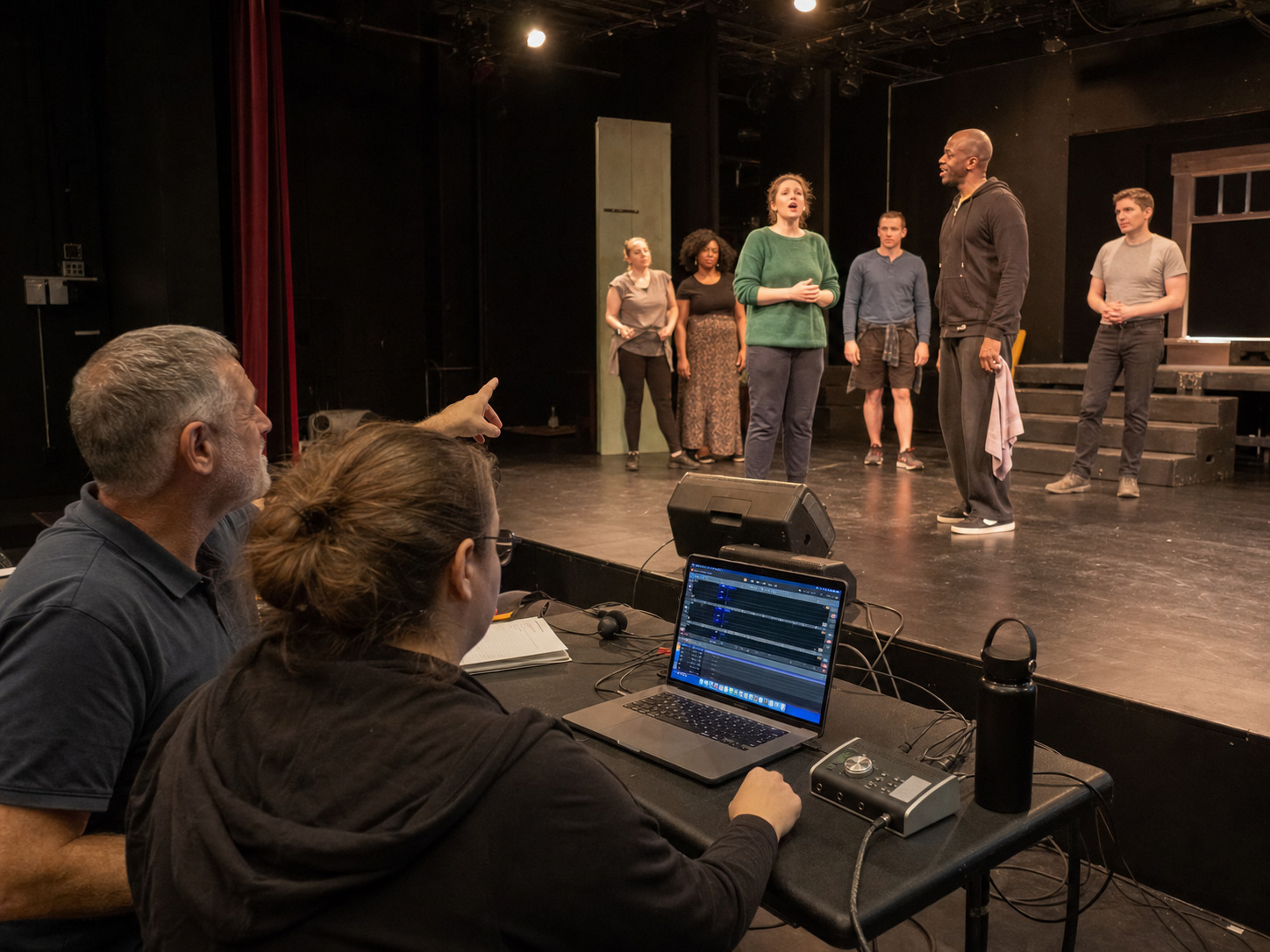
If a problem repeats, change the plan. Do not keep telling the cast to “feel it” when the real issue is an unclear cue, impractical cut, or track that cannot breathe where the scene needs time.
Test the actual playback chain
The final track file is only one part of the system. Test the device, playback software, interface, mixer input, speakers, monitors, cables, and power in the real venue.
During sound check:
- Turn off notifications, updates, sleep settings, and other interruptions on the playback device.
- Confirm the operator can see the cue list and the current file clearly.
- Play the quietest and fullest sections through the house system.
- Check the mix from the audience and from the places where actors must enter.
- Confirm the cast hears enough rhythm and pitch to enter without making the monitors overwhelm the room.
- Test the exact start, pause, stop, and next-cue behavior the operator will use.
- Run one backup device through the same system.
A backup is not ready because the files exist somewhere else. It is ready when the operator can connect it, find the correct cue, and resume the show.
Use a show-stop rule the company can follow
Decide in advance what happens if playback stops, starts incorrectly, or jumps to the wrong cue.
The stage manager should know who can call the stop. Performers should know whether to hold, continue dialogue, clear the stage, or wait for an announcement. The operator should know the approved recovery cue.
Keep the rule short enough to remember under pressure. For example:
- Stage manager calls “hold.”
- Operator stops playback and reports the current cue.
- Music director confirms the safe restart point.
- Stage manager resets the stage action and gives the restart cue.
Rehearse that sequence once. A calm recovery plan is part of performance preparation, not a prediction that something will fail.
Final no-pit playback checklist
Before the first audience enters, confirm:
- show rights and recording permissions are documented;
- one approved performance-track folder is in use;
- filenames and cue numbers match the stage-management script;
- guide vocals cannot be confused with performance files;
- keys, cuts, tempos, vamps, lead-ins, and endings are frozen;
- cue owners and exact triggers are written down;
- cast, operator, and stage manager have run every transition;
- the house and stage-monitor mixes were checked in the venue;
- the main and backup devices both completed a test cue;
- the company rehearsed one stop-and-restart sequence.
FAQ: running a musical without a pit orchestra
Can the stage manager run the tracks?
Sometimes, but do not assume one person can call the show and manage detailed playback safely. If the cue load is complex, a dedicated playback operator lets the stage manager watch the stage and call each musical event clearly.
Should the music director press play?
The music director should shape musical preparation and confirm the approved version. During performances, the best operator is the person who can follow the cue map consistently while staying in communication with stage management.
Is one long track better than several cue files?
Use the structure that matches the show. One long file can reduce manual starts, but it can make flexible scene timing and recovery difficult. Separate cues are easier to control, but they require more operator actions. The right answer depends on where the production needs fixed continuity and where it needs live decisions.
Do we still need a music director?
Backing tracks do not replace musical leadership. Someone still needs to teach the score, choose workable keys and tempos, clean entrances, align the cast on one version, and connect musical choices to the staging.
When should custom tracks enter the process?
As soon as the licensed production knows that an available arrangement does not fit its singers, cuts, choreography, cues, or scene timing. Early decisions give the cast more rehearsal time with the version they will perform.
Make the playback plan part of the production
Build performance tracks around your cast, keys, cuts, tempos, vamps, counted lead-ins, transitions, and cue structure so the playback plan fits the production you are staging.
Plan Custom Performance TracksA musical without a pit can still feel responsive, detailed, and confidently led. The result depends less on pressing play than on preparing the right files, assigning live decisions, rehearsing cue ownership, and testing recovery before opening night.
Browse (Broadwaytrax musical backing tracks) while you plan, and move into custom production early when the show needs keys, cuts, tempos, vamps, cues, or transitions built around the people on your stage.