An Understudy Learns Faster When the Track Has Landmarks
By Broadwaytrax Content Studio · July 16, 2026
An understudy does not need more audio. They need the right audio in the same version the company performs.
A useful rehearsal-track packet gives an understudy the approved key, cut, tempo, entrance, dance break, button, and cue language for the current production. It also separates learning files from performance files, so the performer can study with guide vocals without accidentally rehearsing an outdated or incomplete version.
That structure matters in school, community, regional, and professional rooms alike. The goal is not only to know the song. The goal is to enter the live scene at the right moment and keep going when something changes.
Start with the exact production version
The cast album, piano-vocal score, and first rehearsal demo may all be useful references. None of them automatically matches the version onstage.
Before building an understudy folder, confirm:
- the approved key;
- every cut and repeat;
- the current tempo;
- dialogue or movement before the entrance;
- vamps, dance breaks, and scene-change music;
- the final button, fade, or segue;
- which file is approved for performance.
If the company changed a key or shortened a dance break, update the learning track at the same time. An understudy should not have to discover during a put-in that the reference file contains eight bars the production removed three weeks ago.
Broadwaytrax’s guide to (mapping full-show track versions) can help the production decide which files teach, rehearse, and perform each moment.
Give each file one job
One audio file should not be expected to teach notes, demonstrate the full arrangement, support a put-in rehearsal, and run the performance.
| File | Best use | What to confirm |
|---|---|---|
| Guide vocal | Learning melody, entrances, and form | Uses the current key and cut |
| Accompaniment track | Singing without the recorded lead | Matches the approved production version |
| Section rehearsal file | Repeating a difficult entrance, dance break, or transition | Begins at a useful landmark |
| Put-in rehearsal file | Running the full scene with practical lead-in | Includes enough context before the entrance |
| Performance track | The live show | Clearly labeled and protected from casual edits |
The guide vocal is a learning tool. The accompaniment track is where the understudy proves they can hold the part without the recorded lead. Both are useful, but they answer different questions.
Mark musical landmarks, not just timestamps
“Start at 1:42” is fragile. The timestamp can change when a new mix, lead-in, or cut is exported.
Pair the time with language the whole team understands:
- after the second line of dialogue;
- four bars before the entrance;
- top of the dance break;
- last chorus pickup;
- button after the scene-change cross;
- vamp until the stage manager calls GO.
Those landmarks connect the track to the performance. They also make rehearsal faster because the actor, music director, dance captain, stage manager, and operator can call the same place by the same name.
For complicated playback sequences, build the landmarks into a (sound-operator cue sheet) instead of leaving them in scattered messages.
Organize a role-specific folder
An understudy packet should be small enough to understand at a glance.
Use a folder structure such as:
- 00_READ_ME — role, production version, contact, and last revision date.
- 01_GUIDE_VOCALS — current learning files only.
- 02_ACCOMPANIMENT — current rehearsal files.
- 03_SECTION_LOOPS — entrances, dance breaks, or transitions that need repetition.
- 04_PUT_IN — files in scene order with practical lead-ins.
- 05_REFERENCE_ONLY — older or alternate material that should not be used without direction.
Keep performance masters outside the casual rehearsal folder unless the production’s workflow requires otherwise. If the understudy needs access, make the approved live file unmistakable and read-only where practical.
File names should describe the role and job:
- 01_ROLE_GUIDE_CURRENTKEY.mp3
- 02_ROLE_ACCOMP_CURRENTCUT.mp3
- 03_ROLE_ENTRANCE_FROM_DIALOG.mp3
- 04_ROLE_DANCEBREAK_SLOW.mp3
- 05_ROLE_PUTIN_FULLSCENE.mp3
Avoid names such as “final,” “final2,” or “use this one” without a date or version marker.
Rehearse the entrance before the whole number
Understudy preparation often focuses on vocal notes and choreography. The highest-risk moment may be the transition into the number.
Practice:
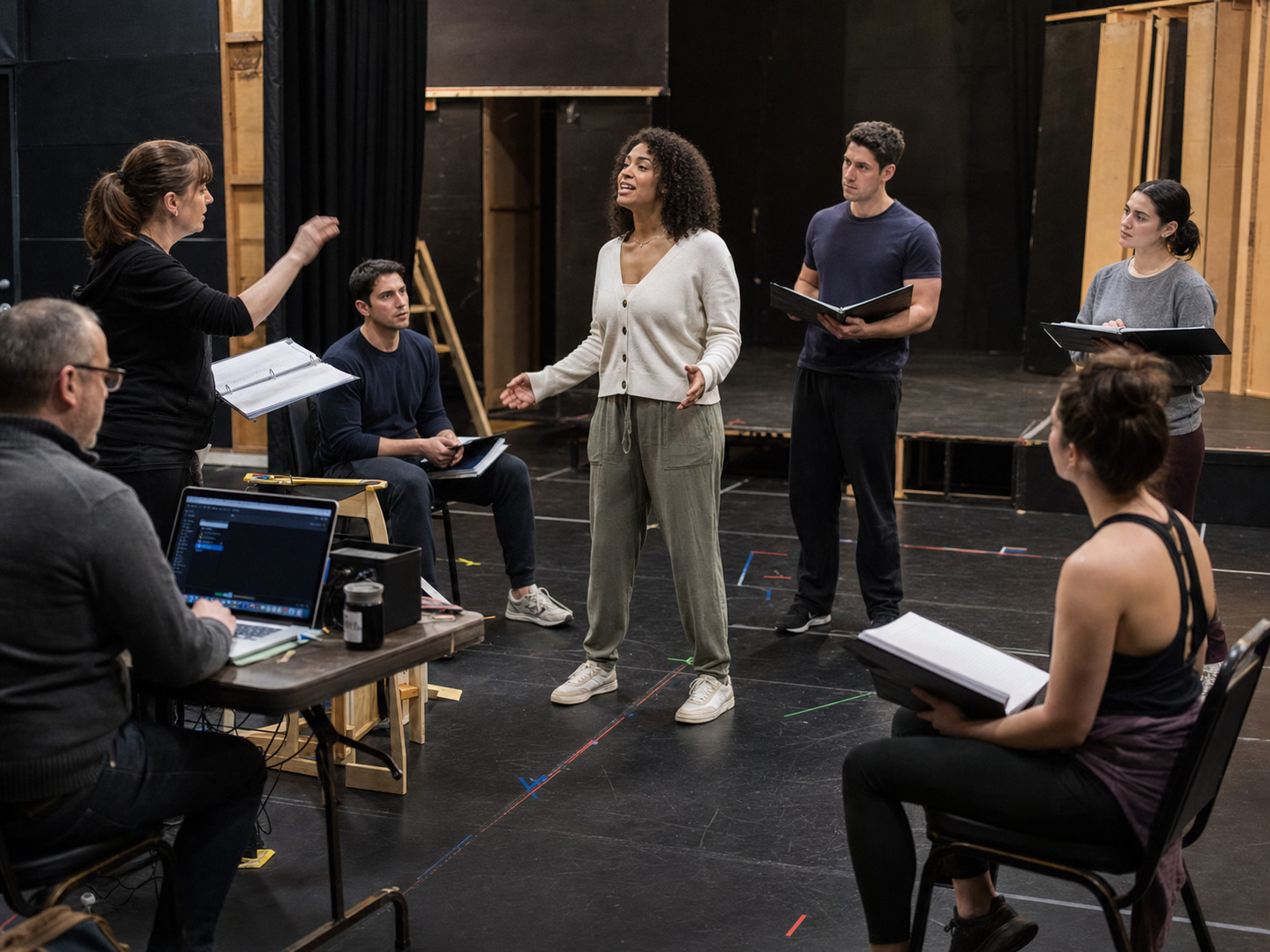
- the cue line or physical action before the music;
- the first pitch and first word;
- the count or breath before movement;
- where the track begins relative to dialogue;
- what happens if applause or a scene change runs long;
- who gives the go when a vamp is involved.
Run the entrance several times before running the entire song. A performer who knows the beginning can settle into material they already studied. A performer who misses the beginning may spend the rest of the number recovering.
Make the put-in rehearsal a real handoff
A put-in should connect individual study to the actual company workflow.
Include the people who control the moment when possible:
- stage manager or rehearsal stage manager;
- music director;
- dance captain;
- scene partners;
- playback operator;
- wardrobe or props representative when timing depends on a change or handoff.
Use the real track order and cue language. Test where the performer stands before the music, how much lead-in the operator provides, and what visual or verbal signal begins the sequence.
The session does not need full production conditions to be useful. It does need the same version, landmarks, and responsibilities the company expects in performance.
Practice recovery, not only perfection
An understudy may go on with limited spacing time. Rehearsal should include one or two controlled recovery situations.
Ask:
- What if the entrance is a bar late?
- What if a scene partner skips a line?
- What if the operator must restart a section?
- What if choreography reaches the button early?
- Who has authority to hold, vamp, stop, or continue?
Do not invent flexible behavior the track or production cannot support. The team should agree on the safe response before the performer needs it.
Understudy track-packet checklist
Before calling the packet ready:
- Confirm the current key, cut, tempo, and ending.
- Remove obsolete files from the active folder.
- Provide guide vocal and accompaniment versions when available.
- Label entrances and section landmarks in production language.
- Put files in scene order.
- Test every download on the device the understudy will use.
- Share the same revision note with music, stage management, and dance leadership.
- Schedule at least one entrance-and-cue rehearsal.
- Keep a second offline copy.
If the standard track is musically close but does not match the production’s cut, lead-in, tempo, cue, or button, a (custom track edit) can bring the learning and performance versions back into alignment.
FAQ: understudy rehearsal tracks
Should an understudy learn from a guide vocal or accompaniment track?
Use both when available. A guide vocal helps teach melody, entrances, and form. The accompaniment track confirms that the performer can carry the part without the recorded lead.
What is the most important file in an understudy packet?
The file that matches the current production version. A beautifully organized packet still fails if it uses the wrong key, cut, tempo, or ending.
Should swings receive one large folder or separate role folders?
Separate role folders are usually easier to study and update. Use the same naming pattern across roles so the swing can recognize guide, accompaniment, section, and put-in files quickly.
How much lead-in should a put-in rehearsal track include?
Enough to practice the real transition into the number. That may mean a count-in, musical pickup, cue line, vamp, or short section of the preceding scene.
When should the packet be updated?
Whenever an approved key, cut, tempo, cue, dance break, ending, or file order changes. Update the learning files and revision note together.
Build an understudy-ready track packet around your production’s approved keys, cuts, tempos, entrances, cues, and performance files. Broadwaytrax can help shape custom rehearsal and performance tracks for the version your company is actually staging.
Plan an Understudy-Ready TrackThe takeaway
An understudy becomes performance-ready faster when the track packet reflects the show onstage. Use the approved production version, separate learning from performance files, name landmarks in shared language, rehearse entrances, and practice the real operator handoff. Clear audio structure turns private study into dependable company coverage.