A Callback Track Should Reveal the Choice, Not Complicate the Room
By Broadwaytrax Content Studio · August 11, 2026
A callback is not a second opening audition. The team is no longer asking only whether a performer can sing the song. It is testing a specific choice: a role, relationship, vocal color, comic beat, dramatic turn, dance demand, or musical contrast.
The backing track should make that choice easier to hear. A useful callback file starts cleanly, matches the requested cut, supports the performer without covering the lyric, and ends before the room has to wonder whether the audition is over.
The simplest rule is this: one callback question, one approved cut, one clearly labeled file.
Decide what each callback cut needs to reveal
Before exporting audio, finish this sentence for every selection: “We are using this cut to learn whether the performer can…”
The answer might be:
- sustain a longer vocal line;
- deliver fast text without losing clarity;
- shift from spoken scene work into song;
- hold a comic rhythm;
- build toward a dramatic button;
- blend with another performer;
- manage choreography while keeping the vocal line steady;
- make a contrasting choice from the first audition.
That answer should control the cut. If the team needs to hear a dramatic turn, include enough material before the turn for the choice to develop. If it needs to test a high phrase, do not make the performer wait through a long instrumental opening. If it needs to compare two performers in the same scene, use the same musical boundaries for both.
Build the cut around a complete dramatic thought
A callback cut should be short enough to repeat efficiently and long enough to make sense.
Useful boundaries often include:
| Part of the cut | What the room needs |
|---|---|
| Lead-in | Enough time to settle, breathe, and hear the key and tempo |
| First phrase | A clear entrance that does not require guessing or chasing the track |
| Center | The lyric, musical change, or interaction that answers the callback question |
| Ending | A deliberate cutoff, button, or release that lets the panel respond immediately |
Avoid starting in the middle of an accompaniment figure only because the bar number is convenient. The performer should be able to hear where the phrase lives. A two-bar or four-bar lead-in can help, but the correct length depends on tempo, breath, stage position, and whether the performer enters from a scene.
When a cut needs an edit, write the request in specific production language. Name the start lyric or musical landmark, the final lyric or chord, the desired lead-in, and whether the ending should button, ring, or fade. (Broadwaytrax custom tracks) can support keys, cuts, tempos, lead-ins, cues, and endings around that exact need.
Use the same approved file for every performer
Callbacks become harder to compare when the room keeps changing the test.
Once the creative team approves a cut:
- export one final version;
- confirm the key and tempo;
- listen to the first and last ten seconds;
- name the file clearly;
- move the same file to the primary and backup playback devices;
- remove older versions from the callback playlist.
A filename such as Role_Song_CallbackCut_Key_V3_APPROVED.mp3 is much safer than new cut final 2.mp3.
If two characters use the same song for different questions, make two files. The audio may overlap, but the label and cut should tell the monitor exactly what is being tested.
Keep guide vocals out of the live callback
(Guide-vocal tracks) are useful before the callback. They help a performer learn the melody, rhythm, arrangement, entrance, and cut.
The live callback usually needs the matching (accompaniment track), not a recorded singer competing with the person in the room. Moving to accompaniment-only audio before the appointment also reveals whether the performer can carry the musical line independently.
If material is sent in advance, label the learning and callback files plainly:
LEARN_WITH_GUIDECALLBACK_ACCOMP_ONLY
That small distinction prevents the wrong file from following the performer into the room.
Test the track from the performer’s position
The operator’s chair is not the only listening position that matters.
Stand where the performer will begin and check:
- whether the introduction is audible;
- whether the tempo feels clear before the first entrance;
- whether the track covers consonants or spoken text;
- whether the volume changes unexpectedly inside the cut;
- whether a floor monitor, portable speaker, or room reflection makes the beat harder to find;
- whether the final chord is clear enough to finish confidently.
Use the same playback connection planned for the callback. A laptop speaker may make an edit sound fine while hiding a weak lead-in or sudden level change that becomes obvious through the room system.
Give the monitor a one-line cue sheet
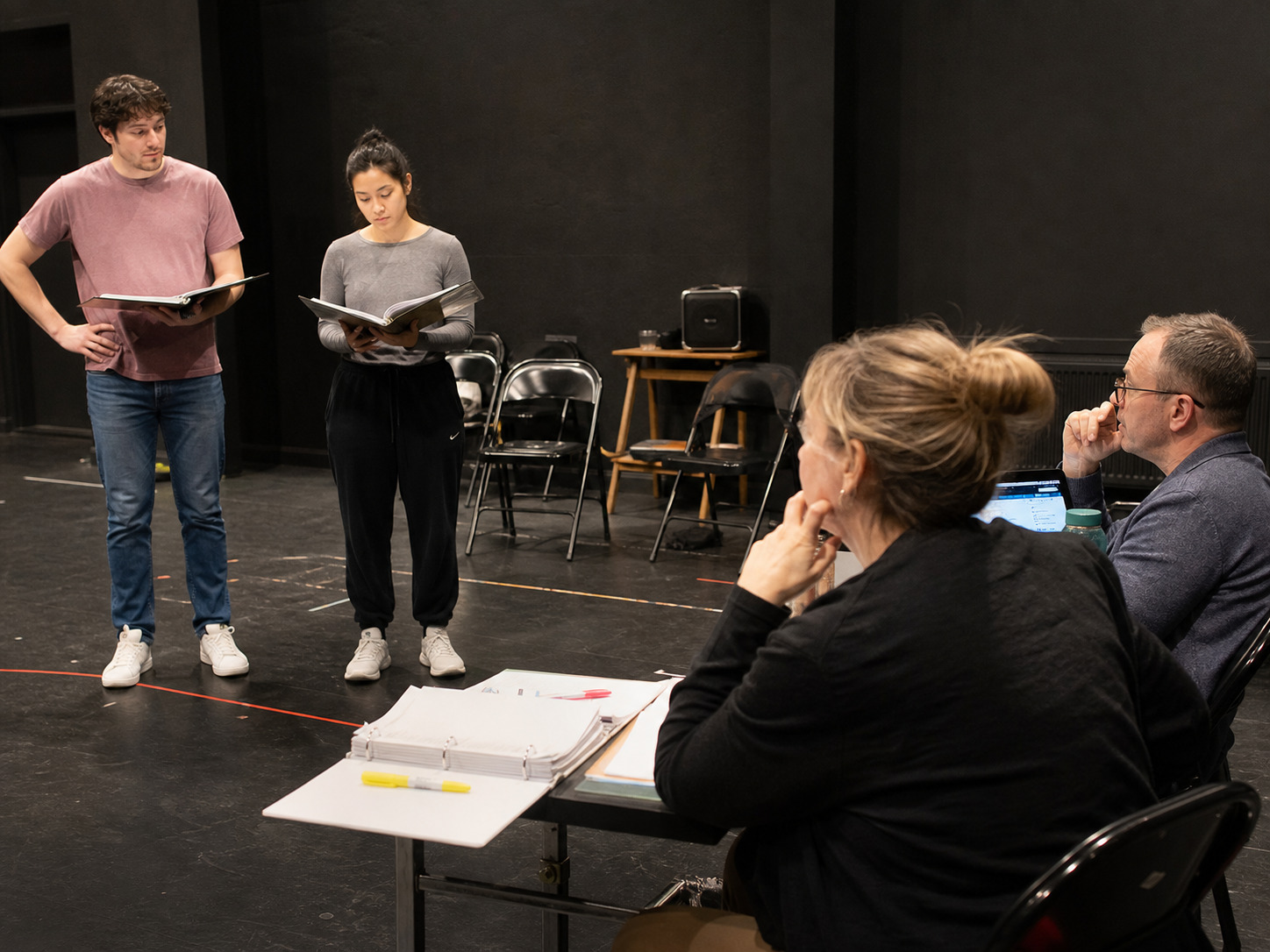
The person running the room should not have to interpret the director’s notes while a performer waits.
Use one row per callback file:
| Field | Example purpose |
|---|---|
| Role or group | Identifies who receives this cut |
| File name | Matches the approved playlist exactly |
| Start cue | “Begin after the reader’s final line” or “performer nods” |
| First entrance | Notes the number of bars or audible pickup |
| Stop rule | Play to the button, stop on direction, or fade only if marked |
| Restart point | Names one musical landmark for recovery |
Keep the cue sheet beside the playback device. If a director asks to hear the ending again, the operator should be able to return to a named landmark instead of dragging a progress bar and hoping.
Plan for dialogue-to-song transitions
Some callback material begins with a scene and turns into music. Test that handoff with the reader, performer, and operator together.
Agree on who owns the start:
- the reader finishes a line;
- the performer crosses or turns;
- the music director gives a gesture;
- the director says “go”;
- the operator follows a written cue.
Only one signal should start the track. Multiple informal cues create the familiar callback-room pause where everyone looks at everyone else.
If the performer needs to begin speaking over underscoring, test the relative level. The track should support the scene without making the panel strain to hear the text.
Make contrast intentional
Two cuts are useful only when they reveal different information.
A good pair might contrast:
- sustained singing with fast text;
- intimacy with a larger dramatic build;
- solo storytelling with partner listening;
- grounded acting with movement;
- lyrical phrasing with a sharper comic rhythm.
Do not add a second song just because callbacks are expected to feel substantial. If the first cut already answers the team’s question, move to scene work or another test. Efficient callbacks respect the performer’s preparation and give the panel cleaner evidence.
Protect the schedule with a recovery plan
Prepare for the ordinary problems before the first name is called.
- Keep a second copy of the approved playlist on another device.
- Download files locally instead of relying on Wi-Fi.
- Silence notifications and system sounds.
- Confirm the charging cable and audio adapter.
- Name one restart landmark in every cut.
- Keep the guide-vocal learning file available outside the live playlist if the team needs to confirm the arrangement.
- Print or export the cue sheet.
If a file fails, pause the process and fix the playback path. Do not make the performer absorb the technical problem as part of the audition.
FAQ: callback backing tracks
How long should a musical-theater callback cut be?
There is no universal length. Use enough music to answer the specific callback question without repeating material the team has already heard. A complete dramatic thought and a clear ending matter more than a fixed number of seconds.
Should every performer receive the same cut?
Performers being compared for the same question should normally use the same approved musical boundaries and playback file. Change the material only when the creative team is intentionally testing something different.
Is a guide vocal appropriate in the room?
Guide vocals are valuable for learning. Accompaniment-only audio is usually the better live test because it leaves room for the performer’s voice and shows whether they can carry the arrangement independently.
What information belongs in a custom-cut request?
Name the start and end lyrics or musical landmarks, key, tempo, lead-in length, cue, and ending. Explain what the callback needs to reveal so the edit supports the room rather than only matching timestamps.
Does a callback track replace audition or performance permissions?
No. Confirm the permissions that apply to the show, song, recording, venue, and planned use. A backing-track purchase or theater-use license does not grant every right to perform, record, stream, or alter copyrighted material.
Turn the exact callback question into a dependable key, cut, lead-in, tempo, cue, and ending that every performer and operator can use consistently.
Build a Callback-Ready TrackThe takeaway
The best callback track disappears into the process. The performer hears the entrance, the panel hears the choice, the operator knows the cue, and the ending arrives exactly where everyone expects it. Approve the cut once, label it clearly, test it in the room, and let the callback focus on the person rather than the file.