The Accompaniment Track Checklist Theater Teachers Actually Need
By Broadwaytrax Content Studio · June 2, 2026
Updated June 2, 2026
The right track is the one that makes rehearsal calmer.
For theater teachers, music directors, voice teachers, camp staff, and community-theater teams, an accompaniment track is not just a file. It is the version students practice at home, the tempo a choreographer counts on, the cue a stage manager writes down, and sometimes the backup plan when a pianist is not available.
That is why the best track choice starts with use, not only song title. Before you download, build a short checklist around the people, room, and rehearsal job the track has to support.
Start with the exact use case
A track for a classroom exercise does not need the same details as a track for an audition, callback, rehearsal, or public production. Name the job first.
- Classroom or lesson: students need a steady version they can repeat without pressure.
- Audition: the singer needs a clear intro, a comfortable key, and an ending that lands.
- Callback: the track should match the show style and let the panel hear the required section.
- Rehearsal: the cast needs consistent tempo, labeled files, and guide vocals when useful.
- Production: the sound operator needs cue notes, clean starts, backups, and licensing clarity.
When the purpose is clear, the track decision gets easier. You can tell whether a catalog accompaniment track is ready to use or whether the production needs a custom key, cut, tempo change, lead-in, or cue edit.
Check the singer before you check the speaker
Teachers often inherit a song choice before they inherit the practical details. The title may be right, but the key or cut may not fit the student.
Run the track once with the actual singer and listen for three things:
- Does the first entrance feel obvious?
- Does the key let the singer tell the story without strain?
- Does the ending feel complete in the room?
If the answer is no, solve that before the student repeats the same problem for a week. A custom key or cut can be more useful than asking a young performer to rehearse around a track that does not fit.
Decide when guide vocals help
Guide vocal tracks can be useful early, especially for students who learn by ear, ensemble members learning entrances, or actors preparing material outside rehearsal.
They work best as a learning step, not a permanent safety net. A practical sequence is:
- Use guide vocals to learn melody, rhythm, and entrances.
- Move to accompaniment-only tracks once the student understands the shape.
- Rehearse the exact audition, classroom, or production file before the final run.
That transition helps students take ownership of the performance while still getting useful support at the beginning.
Make the file names boring
In a busy rehearsal room, clever labels create mistakes. Boring labels save time.
Use file names that include:
- show or song title,
- accompaniment or guide vocal,
- key,
- cut or full version,
- date or version number,
- and any special cue note.
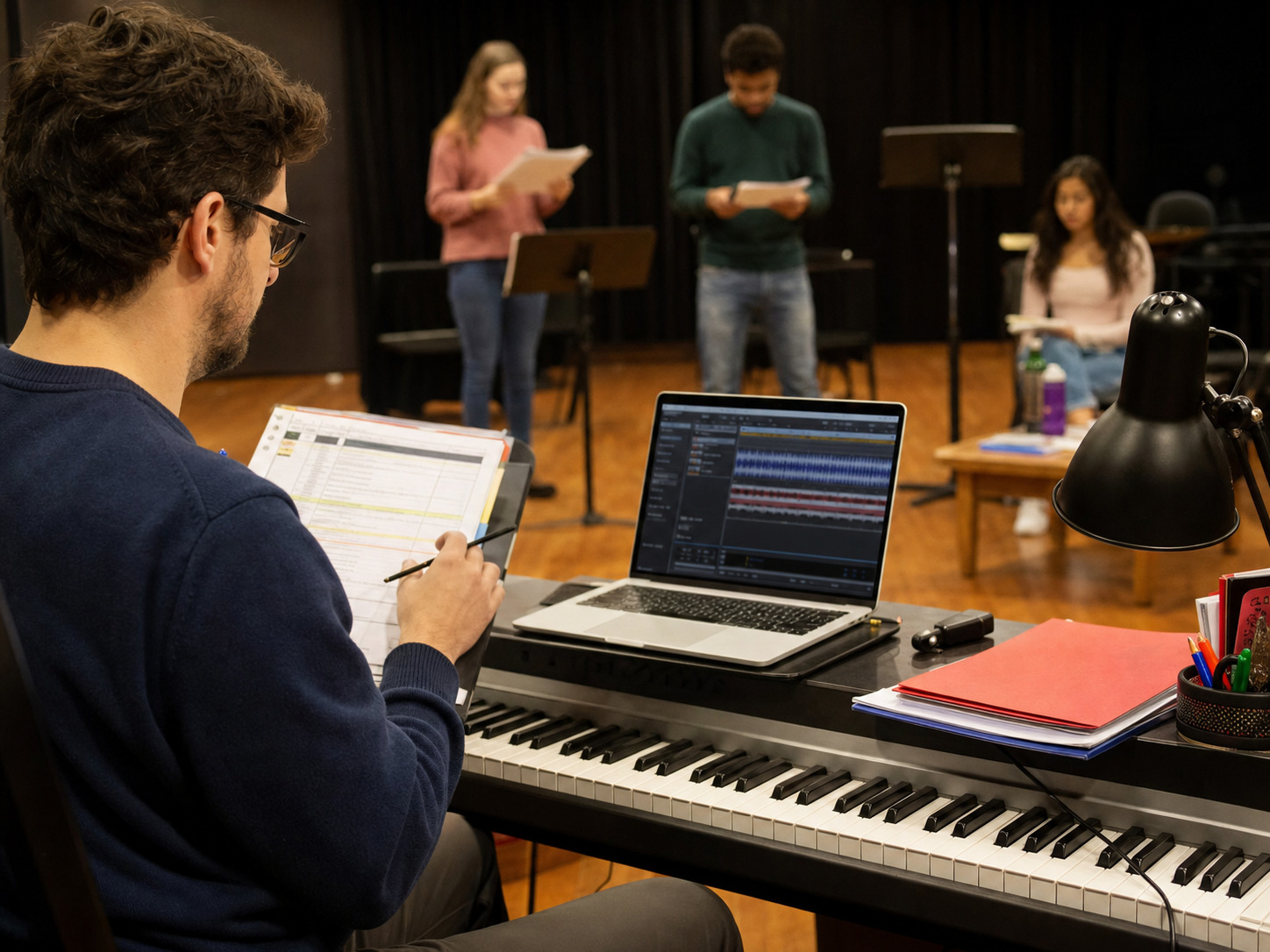
For example, a teacher should not have to ask whether Track 7 final final.mp3 is the real one. A sound operator should be able to find the correct file during rehearsal without guessing.
Build a teacher-ready download checklist
Before you send a student home with a track or hand files to a production team, confirm:
- the song title and show are correct,
- the file is accompaniment, guide vocal, or both,
- the key fits the current singer,
- the cut starts and ends cleanly,
- the tempo works for staging or choreography,
- the download is saved locally and backed up,
- the playback device and speakers have been tested,
- and performance or theater-use licensing questions have been separated from show rights.
That last point matters. A sound-recording license and permission to perform a copyrighted musical are different planning items. Keep track documentation and show licensing paperwork organized before public performance.
When custom edits are worth it
Custom work is useful when the track is close but the room needs something more specific.
Common teacher and production requests include:
- a lower or higher key for a student,
- a shorter audition cut,
- a longer intro before a difficult entrance,
- a tempo adjustment for choreography,
- a clearer button or ending,
- a rehearsal version with guide vocals,
- or a full-show package with consistent cues.
The goal is not to overbuild the music. The goal is to remove avoidable friction so the student, cast, and production team can focus on performance.
FAQ: accompaniment tracks for theater teachers
What is the best accompaniment track for a student audition?
The best audition track has a clear intro, singer-friendly key, usable cut, steady tempo, and clean ending. It should help the student enter confidently and finish without confusion.
Should students rehearse with guide vocals?
Guide vocals can help students learn melody and entrances, but they should eventually rehearse with accompaniment-only tracks so the final performance is independent.
Can a school use the same track for class and performance?
Sometimes. Classroom use, rehearsal use, and public performance may have different practical and licensing needs. Confirm the track version, sound-recording license, and show-performance rights separately.
What should a music director give the sound operator?
Give the final track files, show order, cue notes, backup files, and any notes about starts, stops, vamps, transitions, and volume changes.
Browse Broadwaytrax accompaniment tracks for auditions, classes, rehearsals, and productions, then request custom keys, cuts, tempos, or cue edits when the standard track needs to fit your room.
Browse Accompaniment TracksThe takeaway
A good accompaniment track should make the room feel organized. Choose the track around the singer, the rehearsal plan, and the performance setting. Then label it clearly, test it early, and customize only the details that will help the people using it.